
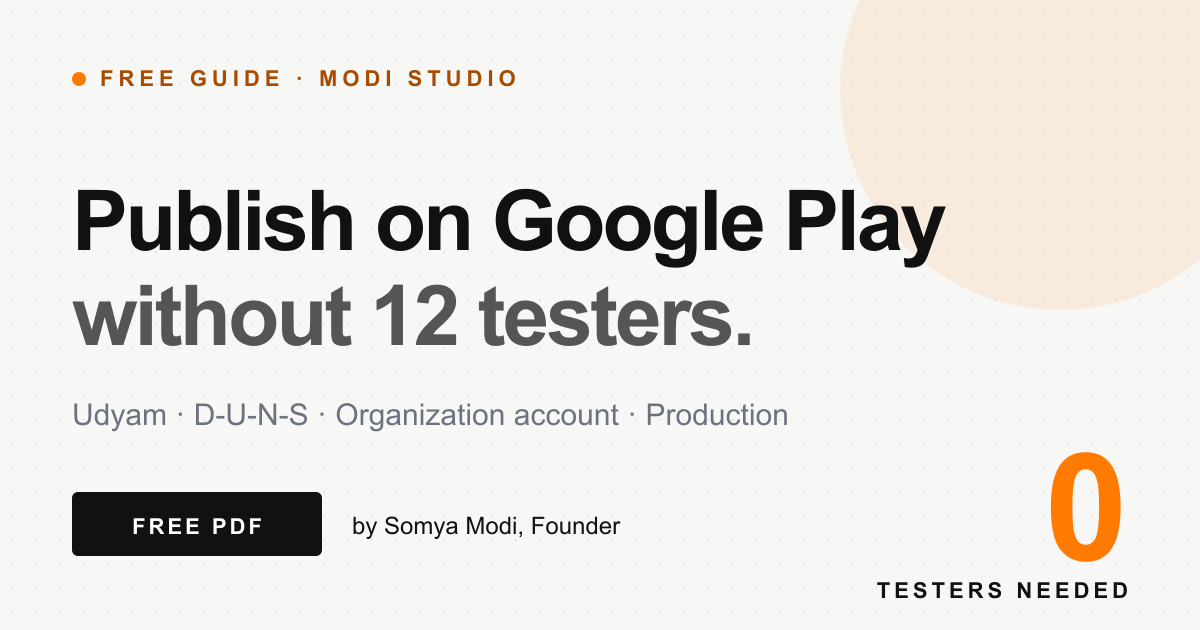
I'm Somya Modi, the founder of Modi Studio, and I build Android games like Arrow Maze and Draw Shapes. This post is the exact path I followed to move my Play Console from a personal account to an organization account, so new apps go straight to production. Every step, every document, the real timeline and the mistakes that cost me time.
Prefer to read offline or print the checklist? Grab the full guide as a PDF.
Why your first app gets stuck, and the way around it
If you opened a personal Play Console account after 13 November 2023, Google will not let you publish to production until you run a closed test with at least 12 testers who stay opted in for 14 days in a row. After that you still apply for production access and wait for review.
For a solo developer this is the hardest part of launching. Finding 12 real people and keeping them opted in for two full weeks easily turns one launch into more than a month.
| Compared | Personal account | Organization account |
|---|---|---|
| Testers and days | 12 testers · 14 days | 0 testers · 0 days |
| What it means | Closed test is mandatory before you can even apply for production. | The closed-testing requirement does not apply. You publish to production directly. |
The rule only applies to personal accounts. Organization accounts are exempt. An organization account needs a registered business and a D-U-N-S number, and in India you can get both for free as a sole proprietor, using your own PAN. That's what this guide walks you through.
My path, start to finish
- I opened a personal Play Console account. Like most solo developers, this is where I started.
- I published my first apps the hard way. Closed test, 12 testers, 14 days, then production review.
- I registered my business on the Udyam portal. Same day, free, on the official government website (Step 1).
- I applied for a D-U-N-S number. I used exactly the same name and address as my Udyam certificate (Step 2).
- I followed up with D&B every single day. The number arrived after roughly one month.
- I verified my website and switched the account type. Personal → Organization, inside the same Play Console (Steps 3 and 4).
- New apps now go straight to production. No testers, no 14-day wait (Step 5).
Step 1: Register your business on Udyam
- Same day
- Free
Udyam registration is the Government of India's free MSME registration. As a solo developer you register as a proprietorship: one person, using your own Aadhaar and personal PAN. No CA, no company incorporation needed.
Only use the official portal: udyamregistration.gov.in. Many look-alike sites charge ₹999 or more for the same free form. If a site asks you to pay for the registration, close it.
Keep these ready
- Aadhaar number, with the mobile number linked to it (you'll get OTPs)
- PAN card (for a proprietorship, your personal PAN)
- The business name you'll use everywhere after this, plus your full address
- Bank account number and IFSC
Do it like this
- Open udyamregistration.gov.in and choose "For New Entrepreneurs who are not Registered yet as MSME".
- Enter your Aadhaar number and your name exactly as printed on Aadhaar. Validate with the OTP.
- Choose organisation type Proprietary and validate your PAN.
- Fill in the enterprise details: enterprise name, official address, date of commencement, bank details and social category.
- For the business activity, choose Services and search the NIC list for software / computer programming activities that match what you do.
- Submit with the final OTP. Your Udyam Registration Number arrives by SMS and email.
- Download the Udyam Registration Certificate as a PDF from the portal's Print / Verify section, and keep it safe. You'll need it again in Step 4.
Step 2: Get your D-U-N-S number
- Up to 30 business days
- Free
A D-U-N-S number is a nine-digit business ID issued by Dun & Bradstreet (D&B). Google uses it to verify that your organization is real. It is free, and Google itself warns about third-party services that charge for it.
- Check first. Use D&B's D-U-N-S lookup to make sure your business doesn't already have a number. Duplicates slow everything down.
- Request a new number on D&B India's official site (dnb.co.in, "Get a D-U-N-S Number"). Apple's free D-U-N-S lookup tool also files the same free request, and the number works for Google Play too.
- Enter the legal name and address exactly as on your Udyam certificate. Same spelling, same order, same PIN code.
- Use an email you check every day. D&B may email or call you to verify details, and may ask for your Udyam certificate as proof.
- Skip the paid "expedite" option. It's optional; the standard route is free.
The follow-up email I used (copy, edit, send daily)
Subject: Follow-up: D-U-N-S request [your reference number] - [Business name]

Hello D&B team,

I submitted a request for a new D-U-N-S number on [date] for my
proprietorship, [Business name], registered under Udyam number
[UDYAM-XX-00-0000000]. Reference: [reference number].

I need the number to verify my organization on Google Play Console.
Please let me know if you need any document from my side. I have
attached my Udyam Registration Certificate for verification.

Thank you,
[Your name]
[Phone]Step 3: Put up a simple website and verify it
- One afternoon
Before Play Console shows the option to change your account type, it asks you to add and verify your organization's website. It doesn't need to be fancy. Mine is a simple studio site.
- A domain in your business name (any registrar is fine)
- One page with the business name, what you build, a contact email and the same address
- A privacy policy page. You need one for your app listings anyway.
In Play Console, go to Developer account → About you, enter the website and click Send verification request. Google verifies it through Search Console, so verify the domain there with the same Google account.
Step 4: Switch from personal to organization
- Inside your existing Play Console
You don't need a new developer account, and your existing apps stay where they are.
- Open Play Console → Developer account → About you. Once the website is verified, click Change account type.
- Choose Create new payments profile. A personal payments profile can't be turned into an organization one, so you need a new organization profile.
- Enter your D-U-N-S number. Google shows the business name and address it has on file. Check it carefully and confirm.
- Fill in the organization type, size, phone and contact email, and confirm the contact details with the one-time passwords Google sends.
- If Google asks for documents, upload a government ID and your Udyam Registration Certificate as the official organization document.
- Wait for the verification email. Once it's approved, your account shows as an organization.
Step 5: Ship straight to production
- Publish
With an organization account there's no closed test to finish first. You still have to do everything a good release needs:
- Store listing: title, short and full description, icon, feature graphic, screenshots
- App content: privacy policy link, Data safety form, content rating, target audience, ads declaration
- A signed release (AAB) uploaded to the Production track
Then send it for review. Review time varies from a few hours to several days. The 14-day testing wait is simply gone.
Mistakes that cost time, and how to avoid them
| Mistake | What happens / what to do |
|---|---|
| Paying an agent for Udyam or D-U-N-S | Both are free on the official sites. Agents fill in the same free form for a fee. |
| Different name or address in different places | Play Console can't match your D-U-N-S. Keep Udyam, D&B and Play Console identical, word for word. |
| "Change account type" option is missing | Your website isn't verified yet. Finish Step 3 first. |
| Trying to edit your personal payments profile | Account type and D-U-N-S can't be changed on an existing profile. Create a new organization profile. |
| Opening several D-U-N-S requests | It creates confusion and duplicates at D&B. Keep one request and follow up on it. |
| Missing D&B's verification email or call | Your request sits idle. Check your inbox and spam daily until the number arrives. |
| Changing your business address later | Update it with D&B first. Play Console reads your organization details from there. |
Cost and time, honestly
| Step | Cost | Official timeline | My experience |
|---|---|---|---|
| Udyam registration | ₹0 | Usually the same day | Same day |
| D-U-N-S number | ₹0 | Up to 30 business days | About 1 month, with daily follow-ups |
| Website and domain | Domain fee only | Verification is quick once DNS is set | One afternoon |
| Play Console | $25 one-time (already paid if you have an account) | Verification varies | A few days |
| App review | -- | Hours to a few days | No 14-day test needed |
Your checklist
The PDF has a printable version of this. Tick things off as you go.
- Decide the business name and exact address
- Aadhaar-linked mobile number working
- Udyam registration on the official portal
- Udyam certificate PDF downloaded
- Searched D&B for an existing D-U-N-S
- D-U-N-S requested with the identical name and address
- Daily follow-up email sent
- D-U-N-S number received
- Domain bought, one-page site live
- Privacy policy page live
- Website verified in Play Console
- New organization payments profile created
- Organization verification approved
- First app published straight to production
FAQ: questions people ask me
Do I need a registered company or a CA?
No. A sole proprietorship registered on Udyam with your own PAN is enough for a D-U-N-S number. You don't need a private limited company to get started.
Will I lose my existing apps when I switch?
No. You change the account type inside the same Play Console, so your apps, reviews and downloads stay where they are.
Can I skip the website?
Not if you're switching an existing account. The change-account-type option only shows up after your website is verified. A one-page site is enough.
Is this allowed by Google?
Yes. It's Google's own policy: the closed-testing requirement applies to personal accounts created after 13 November 2023, and organization accounts aren't covered by it. You're simply registering as what you are, a business that publishes apps.
Can I pay to get the D-U-N-S number faster?
D&B offers an optional paid expedite service. I didn't use it. Daily, polite follow-ups worked for me.
What will my developer name show on Play Store?
Your developer name is separate from your legal name and can be changed any time. Your organization's legal details are verified in the background.
One last thing
I'm building apps in public, and sharing everything I learn along the way. If this guide saved you a month, tell me on Instagram @s0my.modi. And if you get stuck at any step, DM me the step number and I'll try to help.
Somya Modi, Founder, Modi Studio
Requirements and screens on Google Play, Dun & Bradstreet and the Udyam portal can change. If something on screen looks different, follow the official instructions on that site. This guide reflects the process as of November 2026.
Keep the whole guide, the email template and the printable checklist in one PDF.
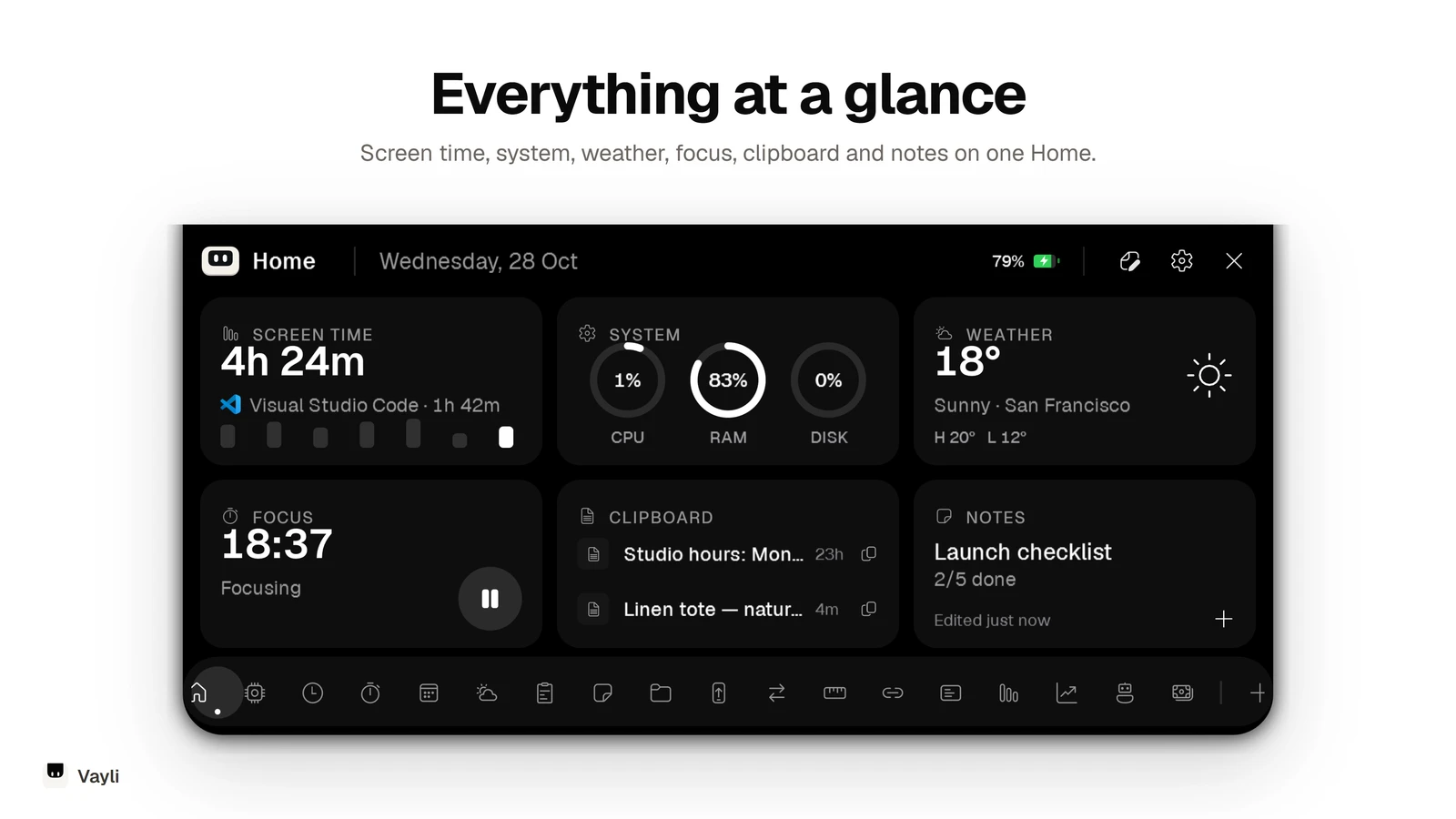 Also from Modi StudioVayli: The notch for WindowsClipboard, media, notes and timers in one small notch. vayli.in(opens vayli.in in a new tab)